Appearance
Guide
Rast Chords is an offline viewer for chord-and-lyric sheets — import ChordPro, transpose, and perform from set lists on Windows, Android phone, and tablet. It ships empty; you bring your own sheets. Download it here.
Getting started
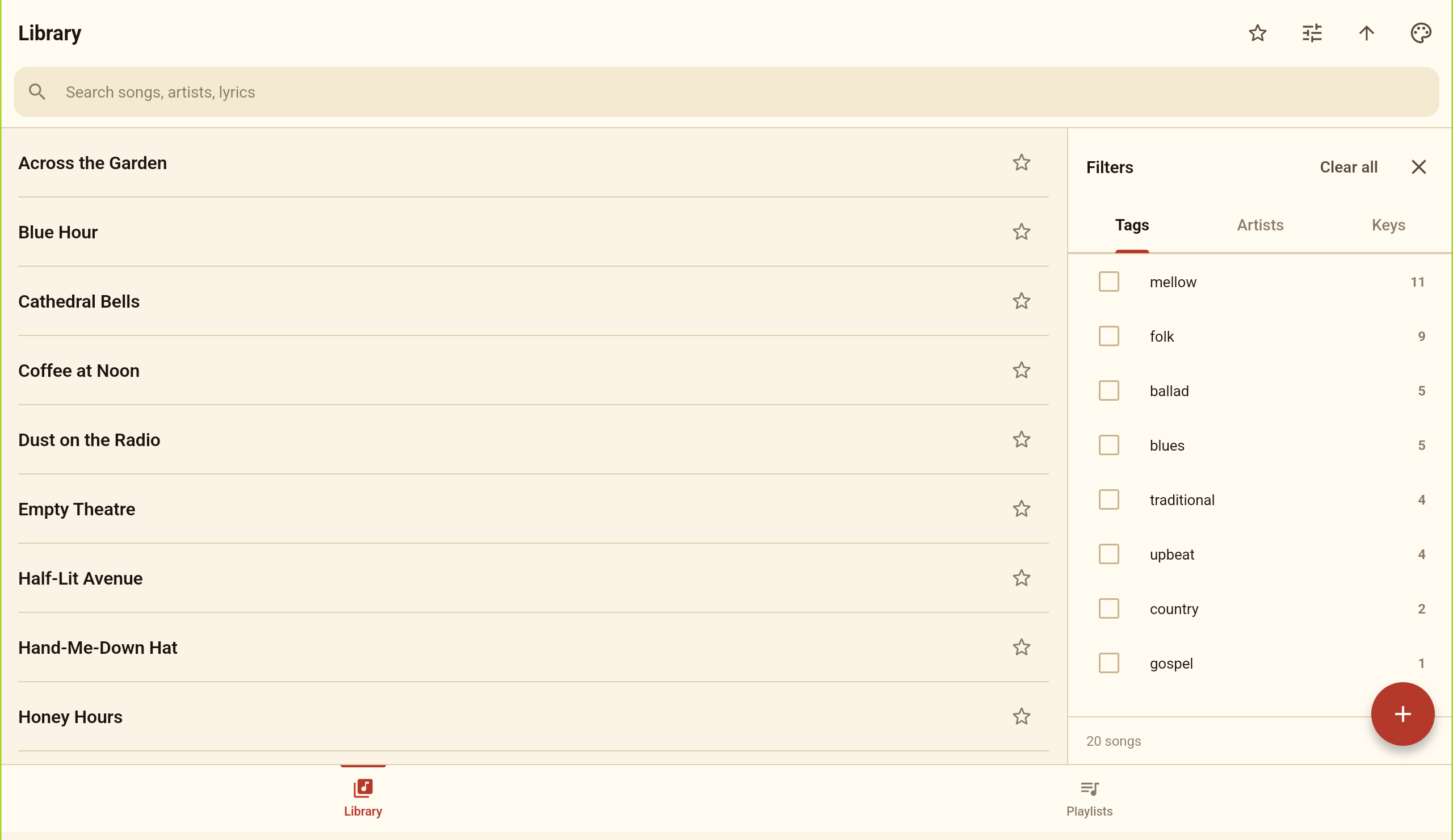
- Two tabs along the bottom: Library (every song) and Playlists (set lists).
- Tap + to add songs — New song, Import files…, or Import folder….
- Tap any song to open the reading view; everything is saved per song.
Importing & exporting
- Import files… — pick one or more
.chordprosheets. Plain-text chord-over-lyric sheets work too. - Import folder… — walks every subfolder, and can turn each subfolder into a playlist.
- Re-importing matches existing songs instead of duplicating them.
- Export… or Print… from a song's ⋮ menu, or multi-select in the library. Exports are plain ChordPro.
Reading & transposing
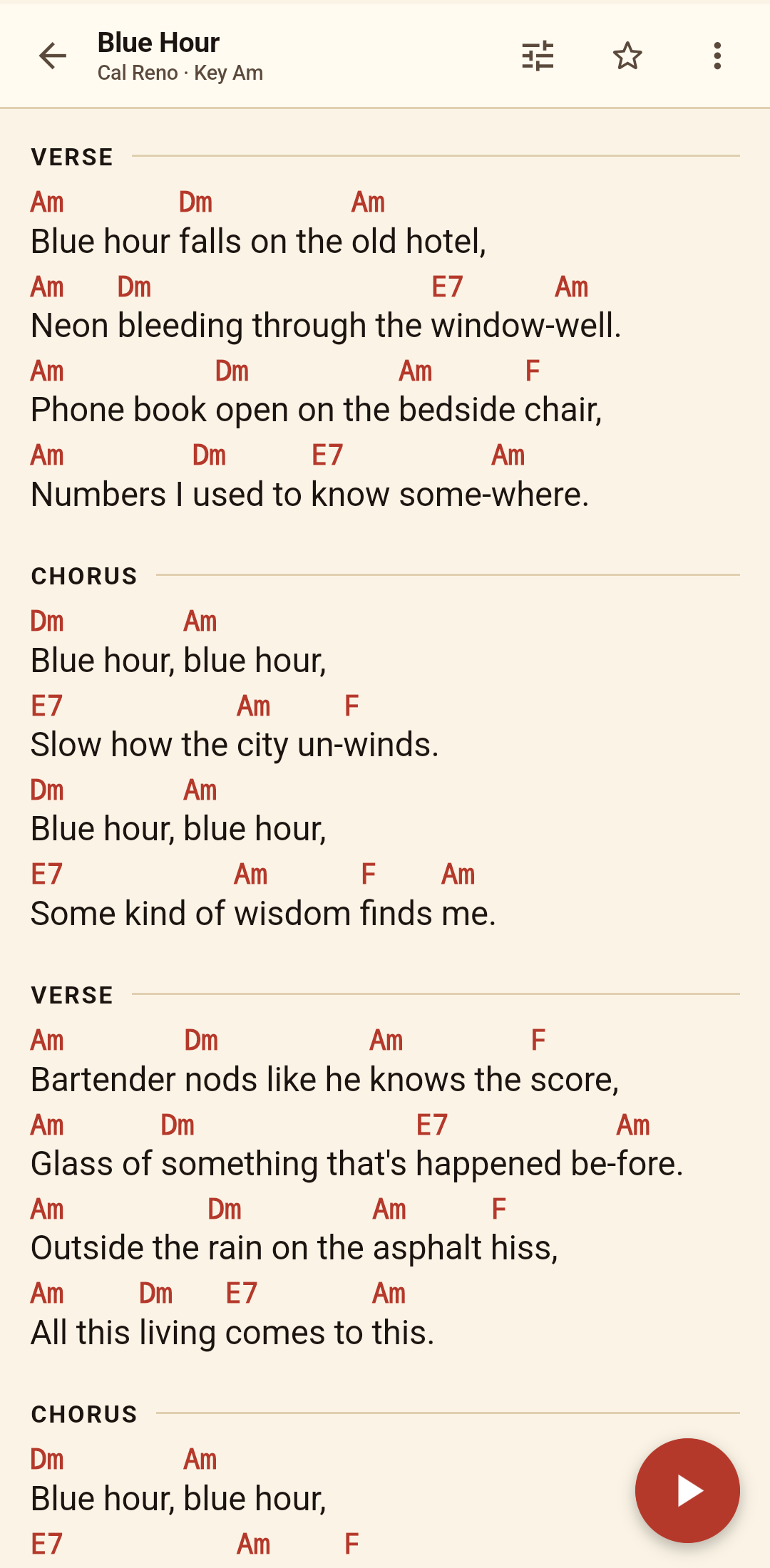
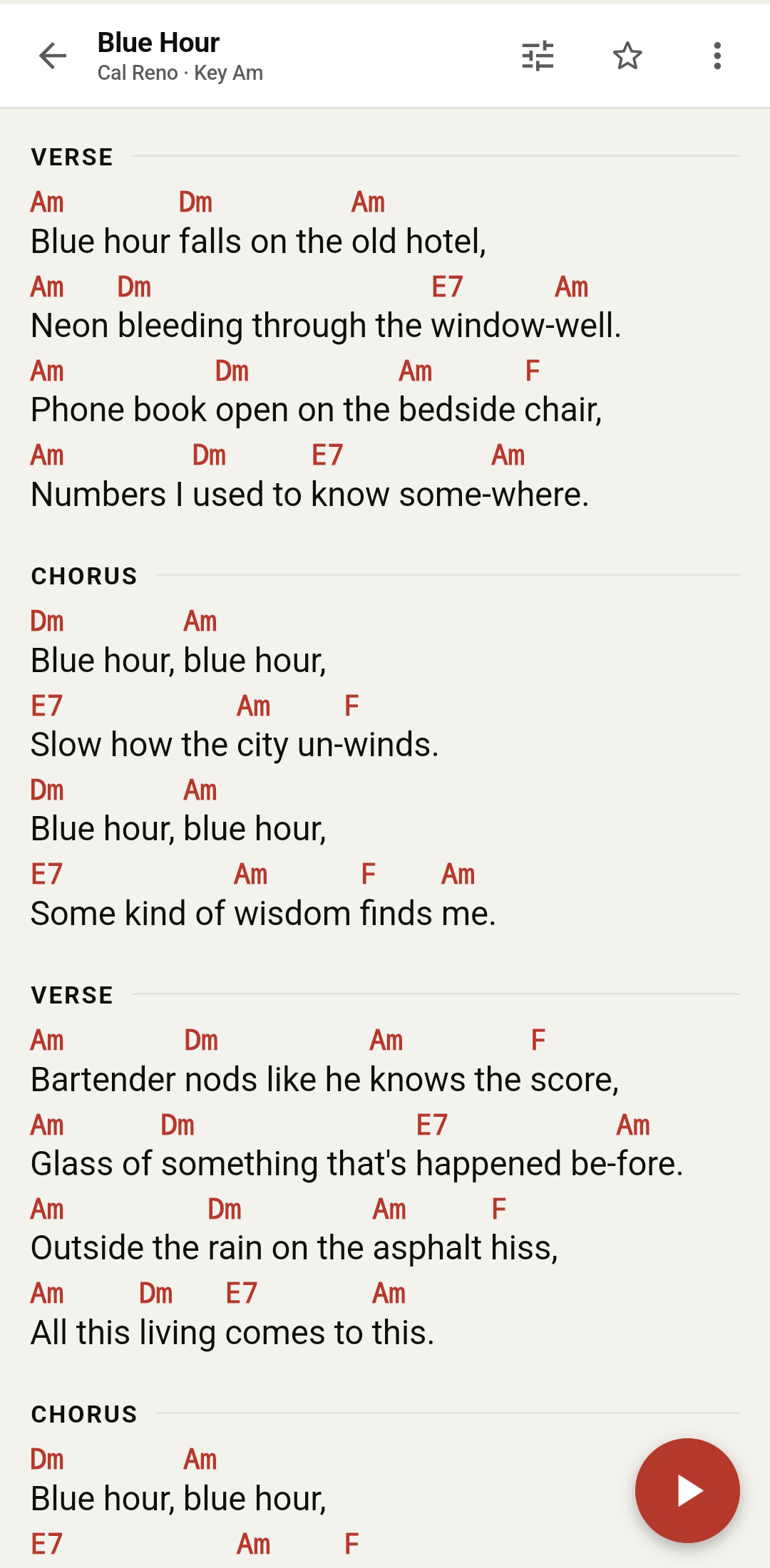
- Reading controls (sliders icon): Transpose ±semitone, Capo, ♯ / ♭, font A− / A+, and 1–3 columns.
- Fit to screen auto-sizes the song so the whole sheet fills the page; touch a size control to take over manually.
- Auto-scroll: tap the floating play button; press and hold it to set the pace.
- Fullscreen from the ⋮ menu. In a playlist, use the prev/next arrows or swipe between songs.
Browsing the library
- Search across titles, artists, and lyrics — accent-insensitive, so plain letters match accented text.
- Filter by Tags, Artists, or Keys; sort by title, date added, last edited, or last opened.
- Star favourites and flip the list to starred-only.
- Long-press to multi-select: add to playlist, export, print, or delete.
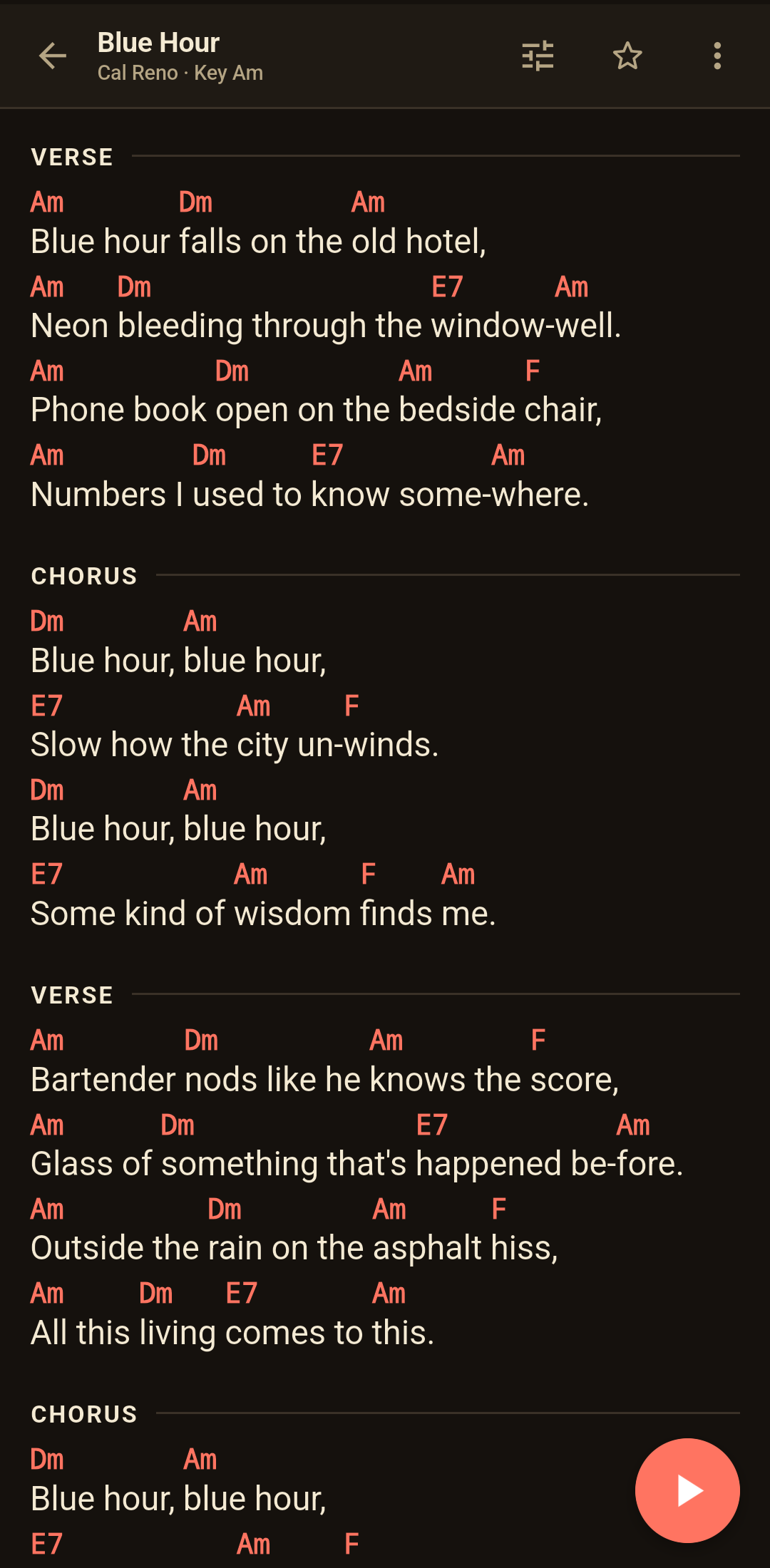
- Three themes — Light, Paper, Dark.
Playlists
- Open the Playlists tab and tap + to create one — or fold an imported folder into playlists.
- Add songs from a song's ⋮ → Add to playlist…, or by multi-selecting in the library.
- Drag to reorder; swipe a row to remove it (the song stays in your library).
- Open the first song and step through the set with prev/next or a swipe.
Writing & editing
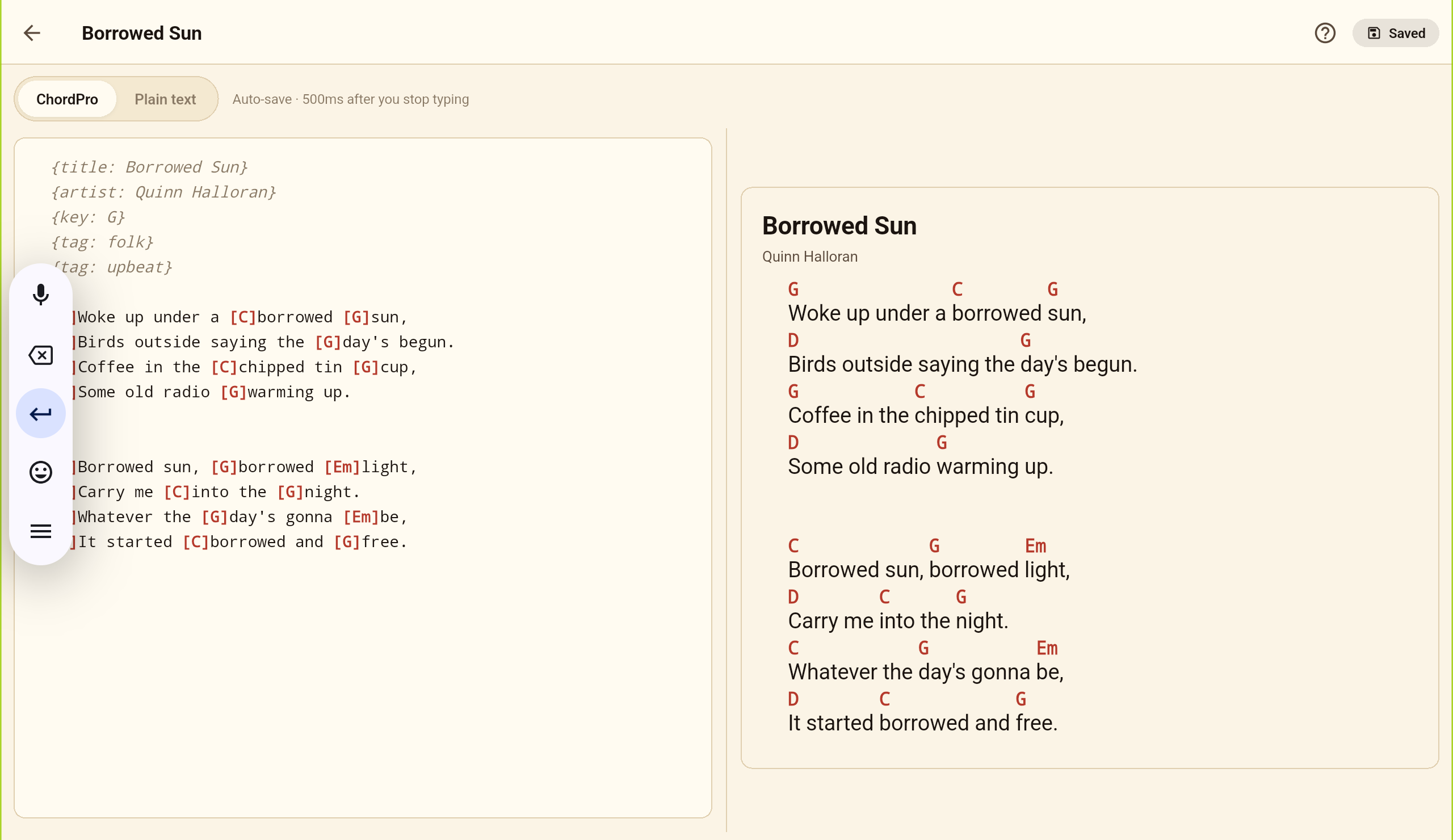
- + → New song, or a song's ⋮ → Edit ChordPro.
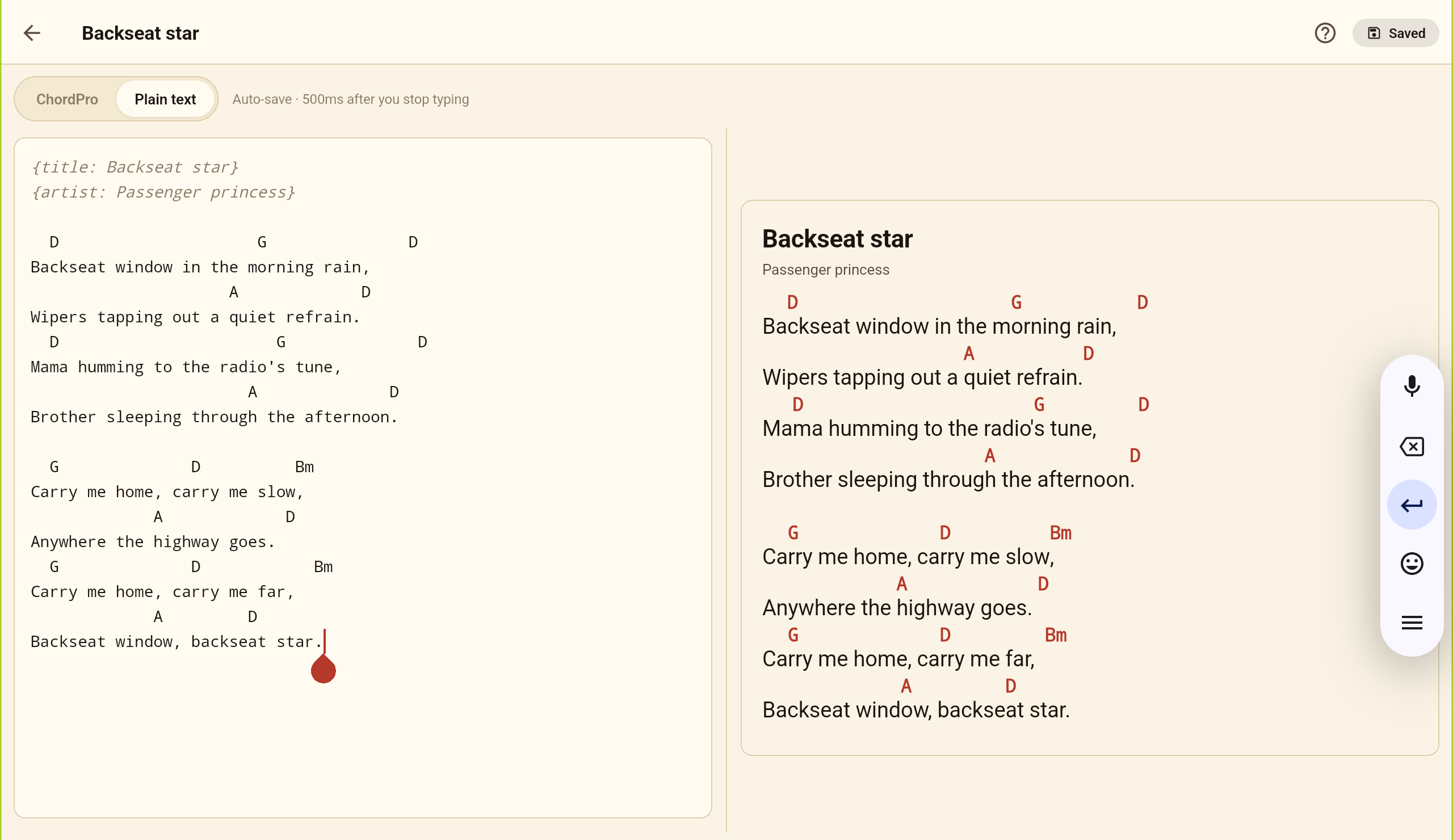
- Plain ChordPro text with a live preview; toggle between ChordPro and Plain text input.
- No save button — it auto-saves a moment after you stop typing.